

What can I generate from a meeting recording?
Minutes, transcripts, and SRT subtitles, inserted into your doc.
Meeting minutes
Get a clean summary, decisions, action items, and notes in a shareable format.
Transcript
Transcribe audio to text with optional speaker labels and timestamps.
SRT subtitles
Generate valid SRT subtitle text for video, podcasts, and social clips.
How do I transcribe audio in Google Docs?
Open the add-on, choose your audio, then insert minutes or a transcript into the current doc.
- ✓Upload audio or paste a Google Drive link
- ✓Pick a template: minutes, transcript, or SRT
- ✓Insert into your doc in one click
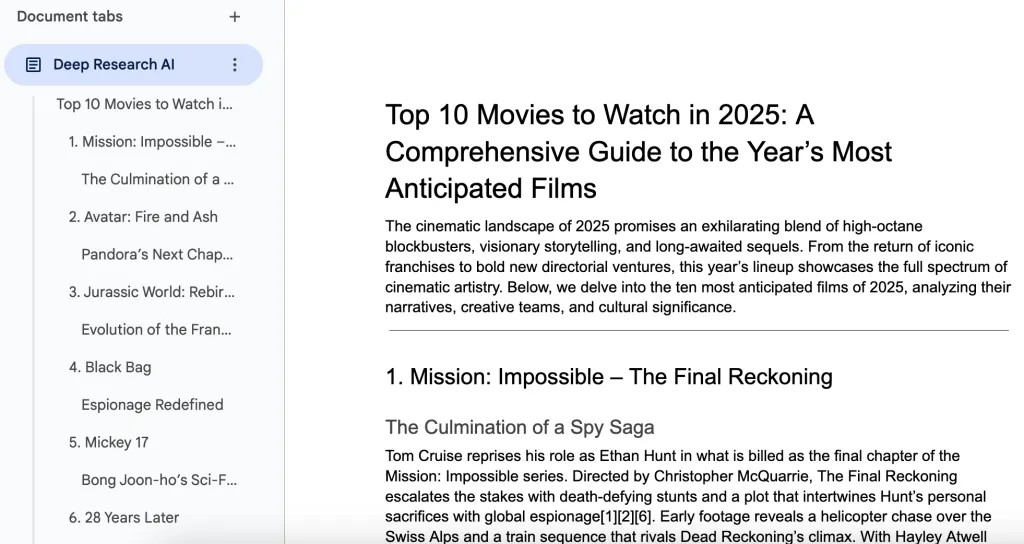
Meeting minutes that people actually read
Use the minutes template to turn raw audio into a structured doc your team can act on.
- ✓Summary (3 to 6 bullets)
- ✓Decisions and action items
- ✓Notes you can skim and edit
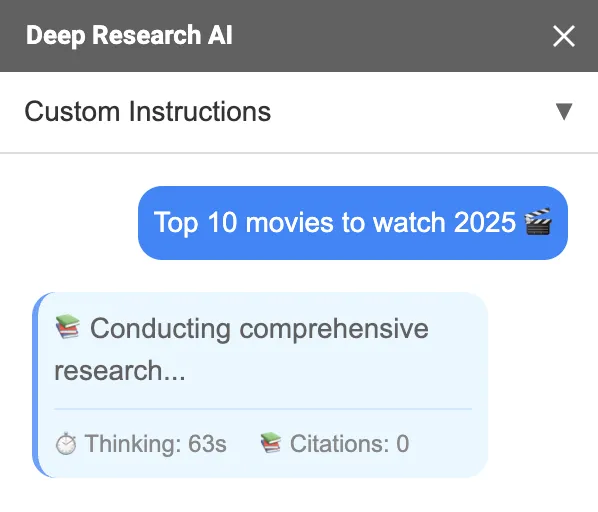
Can it help me write and edit a doc too?
Yes. Use the Docs Agent to draft new sections, rewrite existing text, and optionally include citations when you ask for web search.
- ✓Draft, rewrite, and edit in Google Docs
- ✓Attach PDFs or images for context
- ✓Generate images for your headings
Pricing
Start free. Upgrade when you need more usage credits.
FAQs
Do I need an API key?
No. AI for Docs works without you bringing your own API key.
Can I generate meeting minutes or a transcript from audio?
Yes. Use the Audio to Text flow to generate meeting minutes, a transcript, or SRT subtitles and insert them into your Google Doc.
Can I use a Google Drive link instead of uploading a file?
Yes. If your file is too large to upload, paste a shared Google Drive link in the Audio to Text tab.
Can it also help me write and edit a document?
Yes. Use the Agent tab to draft new sections, rewrite existing text, and optionally include citations when you ask for web search. See Use the Docs Agent.
Where can I get support?
Visit Help or email support@simplemetrics.xyz.
Is my data used for model training?
No. Your data is not used for model training.