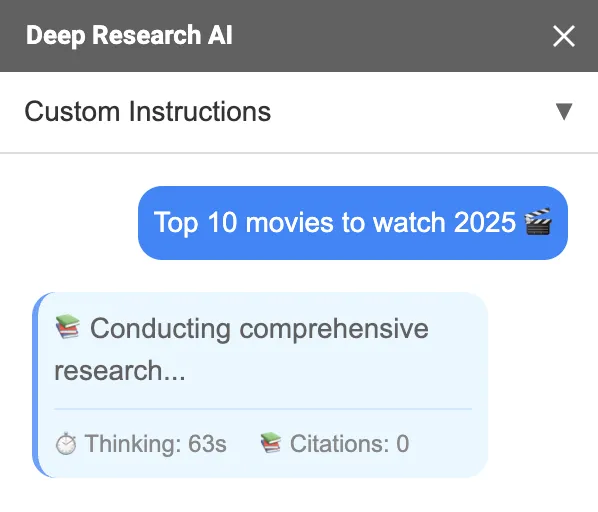
AI for Docs features
Turn audio into meeting minutes, transcripts, or SRT subtitles, and use the Docs Agent for writing and edits.
Meeting minutes
Get a structured summary with decisions, action items, and notes.
Transcript
Transcribe audio to text with optional timestamps and speaker labels.
SRT subtitles
Generate valid SRT subtitle text for video and social clips.
Audio to Text in the Docs sidebar
Upload audio or paste a shared Google Drive link. Then choose a template and insert the result into your document.
- ✓Minutes, transcript, and SRT templates
- ✓Optional timestamps and speaker labels
- ✓Inserts into the current Google Doc
Want step-by-step instructions? Read Audio to text.
Which output should I choose?
Pick a template based on what you need to share.
Meeting minutes
Best for teams. Structured sections and action items by default.
- ✓Summary, decisions, action items, notes
- ✓Formatted headings when inserted
- ✓Designed to avoid invented details
Transcript
Best for reviewing exact wording or searching later.
- ✓Clean text output
- ✓Optional speaker labels
- ✓Optional timestamps
SRT subtitles
Best for video. Generates valid subtitle text you can export.
- ✓Valid SRT format
- ✓Timestamped segments
- ✓No extra explanation added
Docs Agent for writing and edits
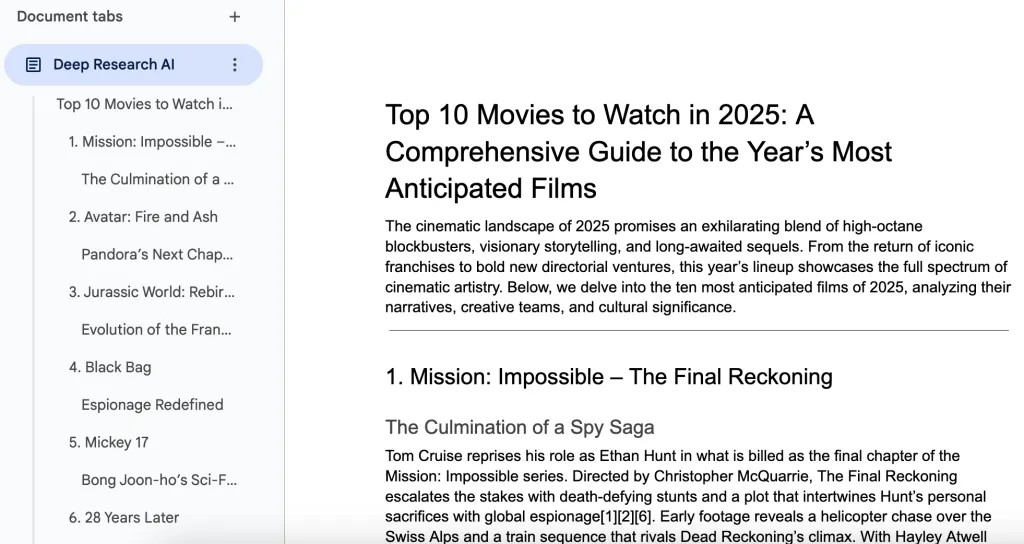
If you also want a writing assistant, use the Agent tab to draft or edit content directly in your Google Doc.
- ✓Append new sections or edit what is already in your doc
- ✓Ask for web search and citations when you need sources
- ✓Attach PDFs or images for extra context
- ✓Generate images for your headings with one prompt
Learn more in Use the Docs Agent.