
Here are three Google Sheets add-ons that save time and reduce manual work. Each section explains what it does, when to use it, and the key features.
Supermetrics: Automate Data Collection and Reporting
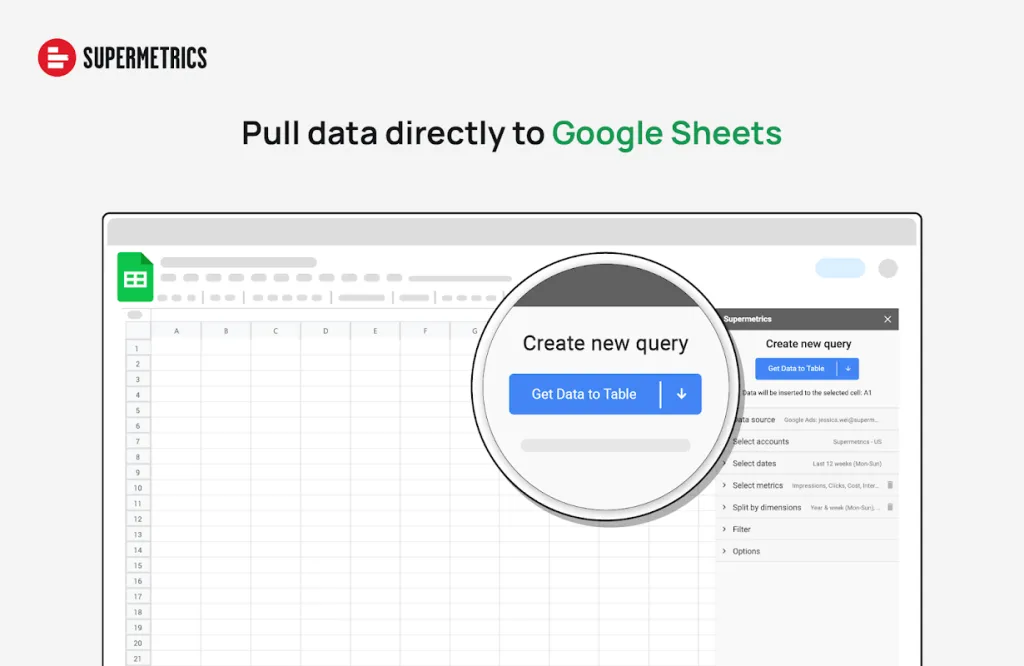
Supermetrics pulls data from 100+ ad, analytics, and sales platforms into Sheets. Build reports once and keep them fresh.
- Integrations: Facebook Ads, Google Analytics, LinkedIn Ads, and more.
- Custom reporting: Build tailored reports and dashboards.
- Scheduled refreshes: Hourly, daily, weekly, or monthly.
- AI analysis: Summaries and insights via ChatGPT integration.
Best for: Marketing teams and analysts who refresh multi-source reports on a schedule.
AppSheet: Build Custom Applications Without Coding
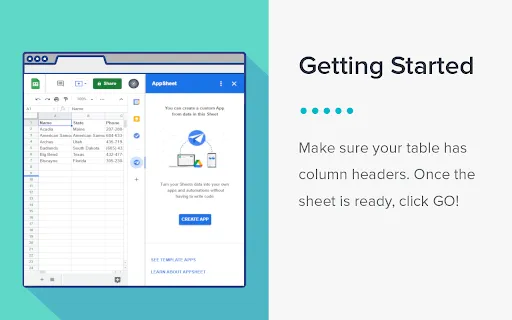
AppSheet turns Sheets and Forms into mobile and web apps—no code required.
- Capture: Photos, signatures, GPS, and barcodes.
- Offline: Works without an internet connection.
- Automations: Tasks, approvals, and notifications.
- Customization: Flexible UI and logic.
Best for: Field data collection and lightweight internal tools.
AI for Sheets: Enhance Data Analysis with AI
AI for Sheets by SimpleMetrics brings AI formulas and natural‑language analysis to your spreadsheets.
- Ask in English: Sheet Analysis answers questions in plain language.
- AI formulas: Insights refresh whenever your data changes.
- Personalization: Use org context for more relevant outputs.
Best for: Quick insights without complex scripts or add-on coding.
Install the one that fits your workflow. Start with a small report or process, automate the repeatable steps, and iterate.