
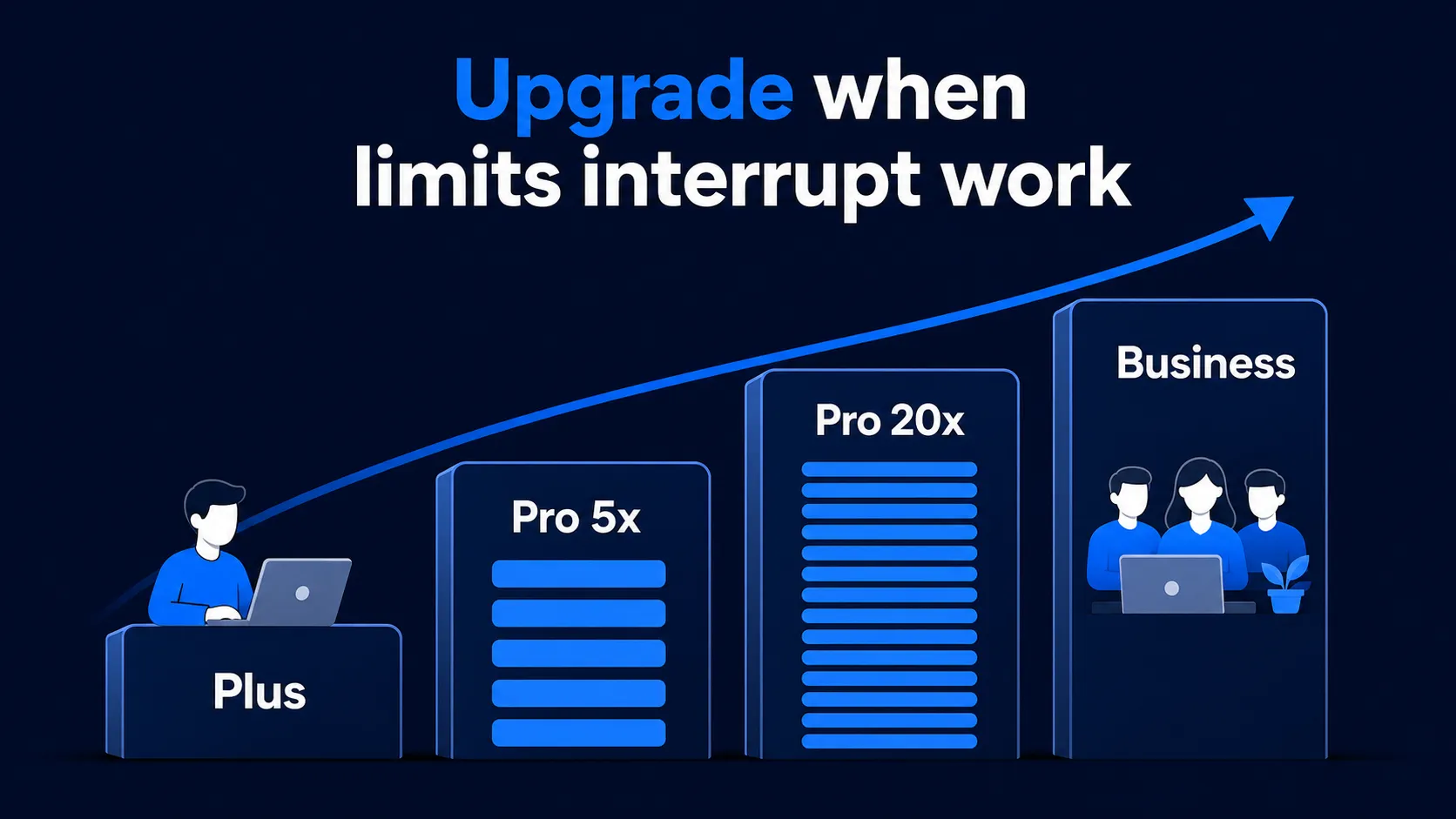
ChatGPT Codex Limits 2026: GPT-6.1/5.6, Plus, Pro 5x/20x
Current ChatGPT Codex limits for GPT-6.1 Sol and GPT-6 on Plus, Pro $100/$200/$500 (formerly 5x/20x) and Business: five-hour ranges, credits and API billing.
16 October, 2026
Read SimpleMetrics guides on Google Sheets AI, Gemini formulas, spreadsheet automation, AI models, PDFs, images, and product updates.
Current ChatGPT Codex limits for GPT-6.1 Sol and GPT-6 on Plus, Pro $100/$200/$500 (formerly 5x/20x) and Business: five-hour ranges, credits and API billing.
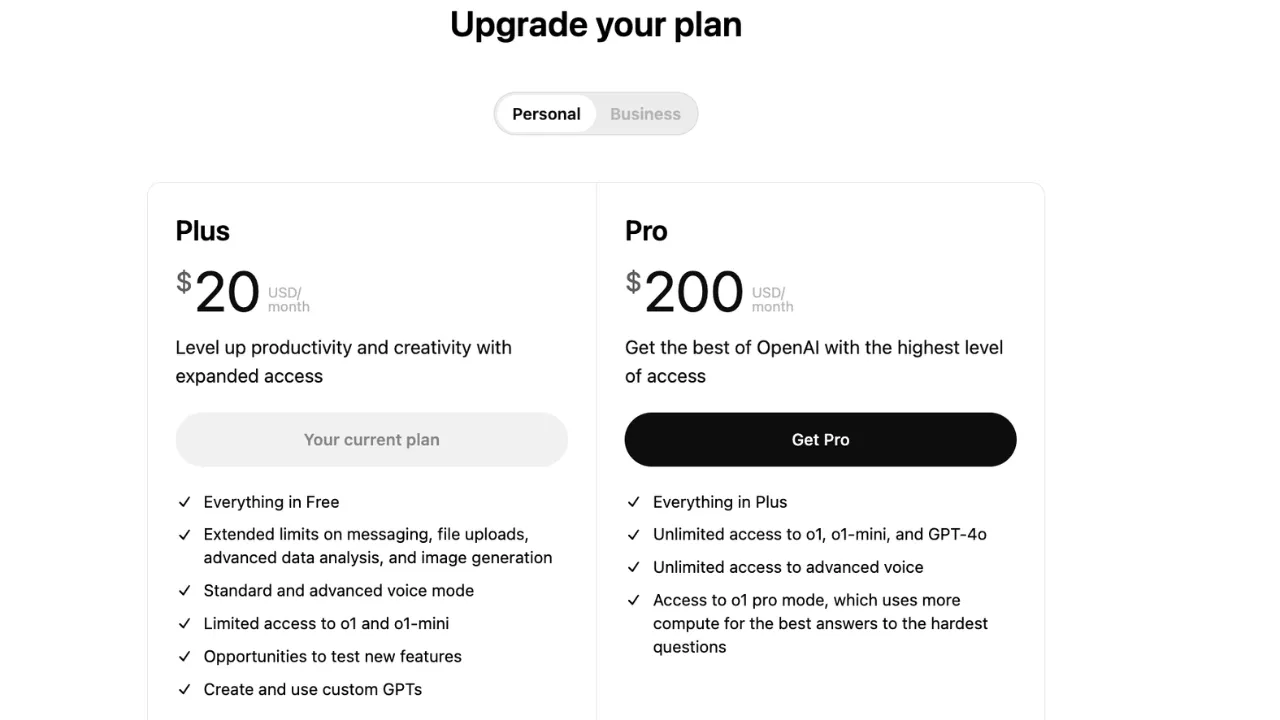
Compare ChatGPT Plus, Pro, and Business for Codex usage limits, price, plan differences, and who should upgrade from Plus in 2026.
Which Gemini model should you use in October 2026? Compare Gemini 3.8 Flash, 3.6 Flash, 3.5 Flash-Lite, 3.1 Flash-Lite, 3.1 Pro and Gemini 4 Argon on official API prices, live speed, status and best use.
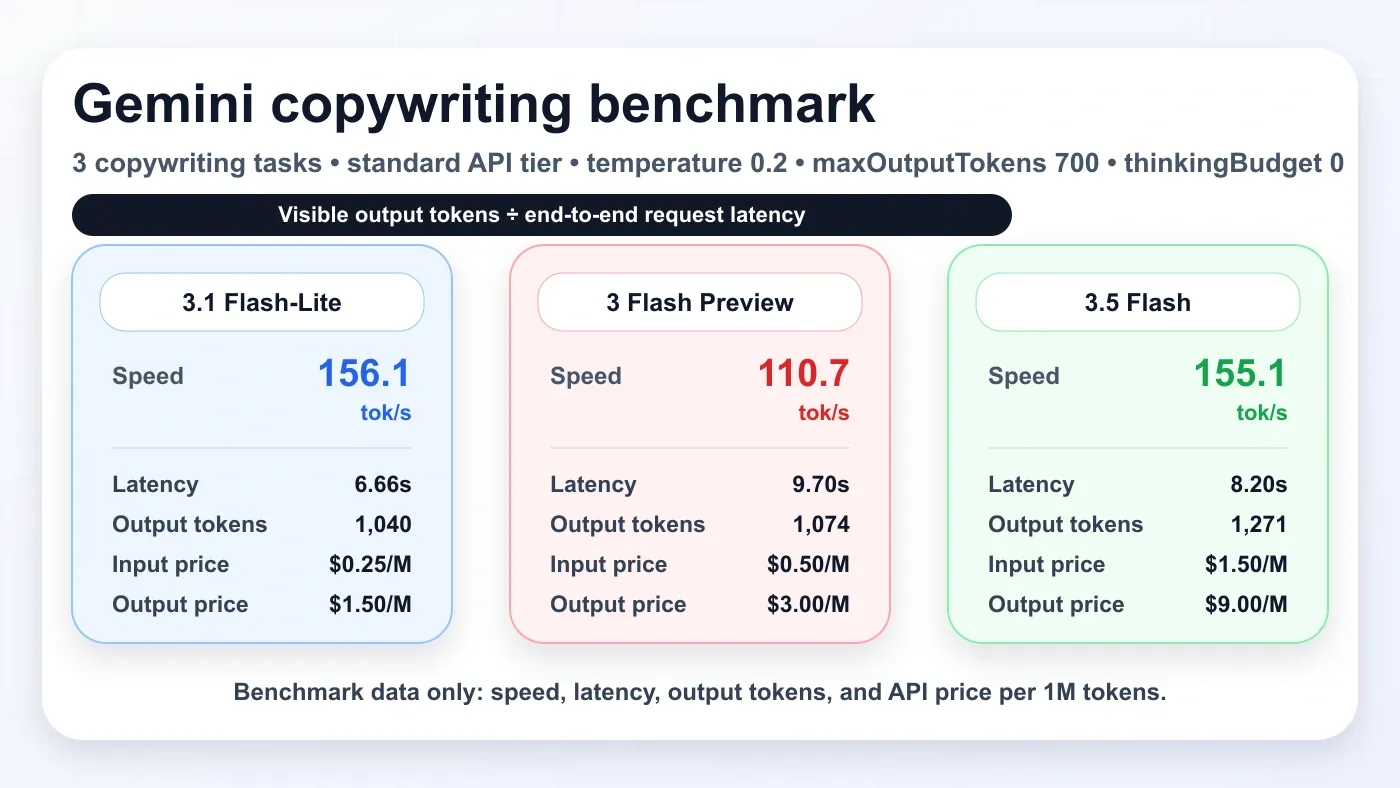
Simple benchmark data for Gemini 3.5 Flash, Gemini 3 Flash Preview, and Gemini 3.1 Flash-Lite using three copywriting tasks: speed, latency, output tokens, and API price.
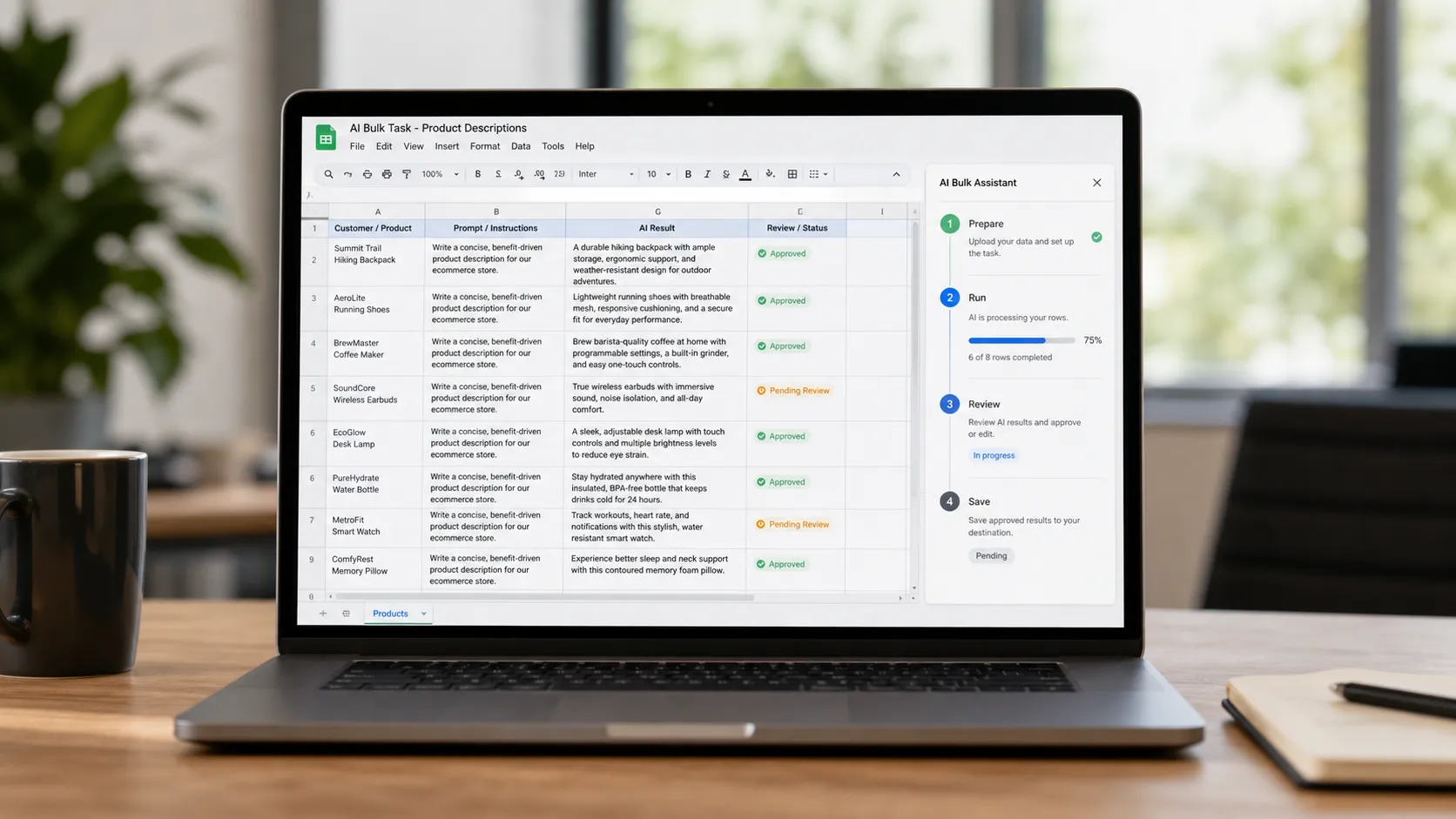
Learn how to run AI on multiple rows in Google Sheets using AI for Sheets formulas, Sheet Agent, batching, review columns, and Lock for finished results.

Updated 2026 AI vision comparison with OCR results for quote extraction, receipt JSON extraction, and table-to-CSV extraction across Gemini 3.1 Pro, GPT-5.5, Gemini 3 Flash, Claude Opus 4.7, Grok 4.20, and Gemini 3.1 Flash Lite.

Yes. OpenAI says Codex is included with ChatGPT Plus. See what Plus gives you, how Codex limits work, when Pro is worth it, and when API billing is separate.
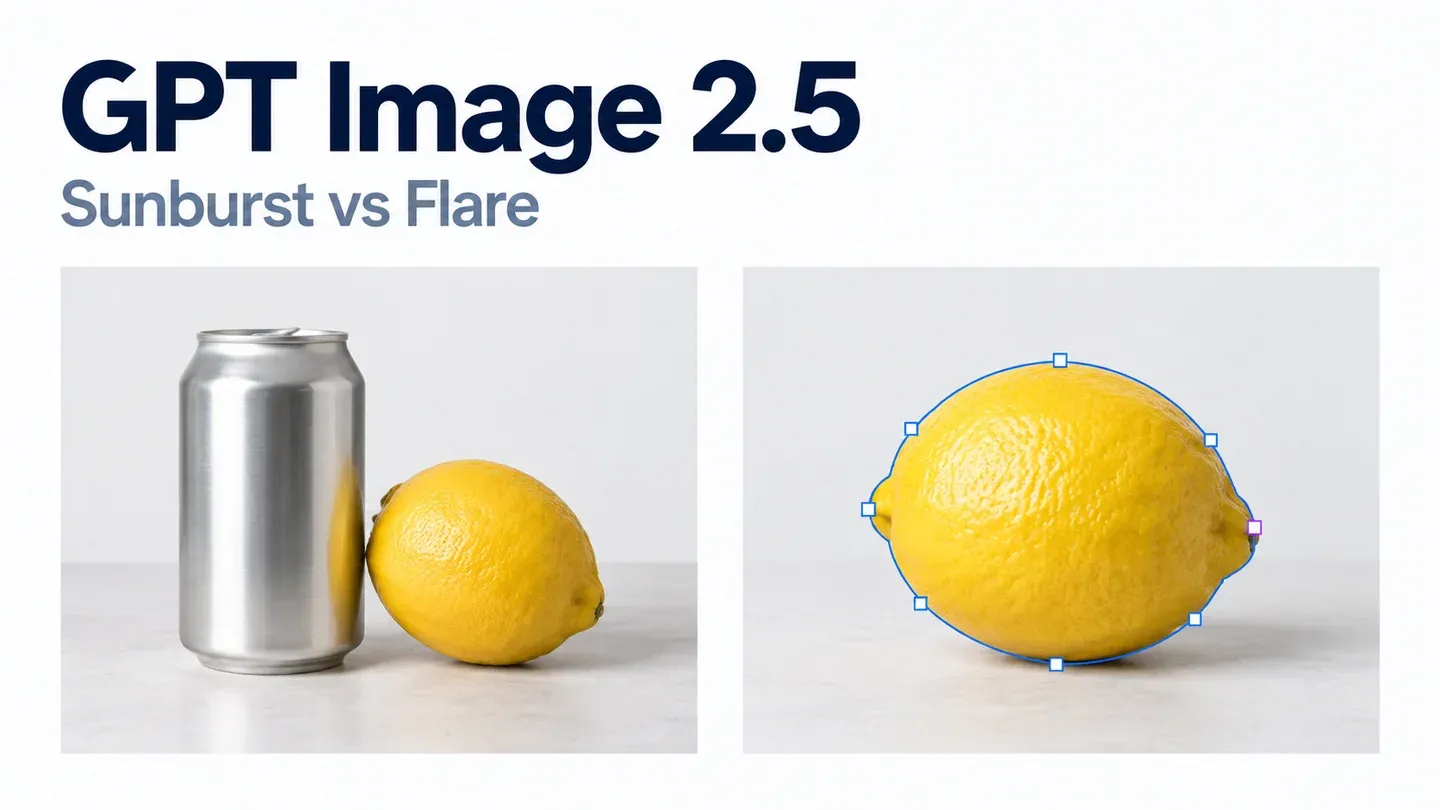
GPT Image 2.5 cost per image at every quality setting, from $0.006 (low) to $0.211 (max) at 1024x1024, how it maps to GPT Image 2, and when to pick Sunburst or Flare.
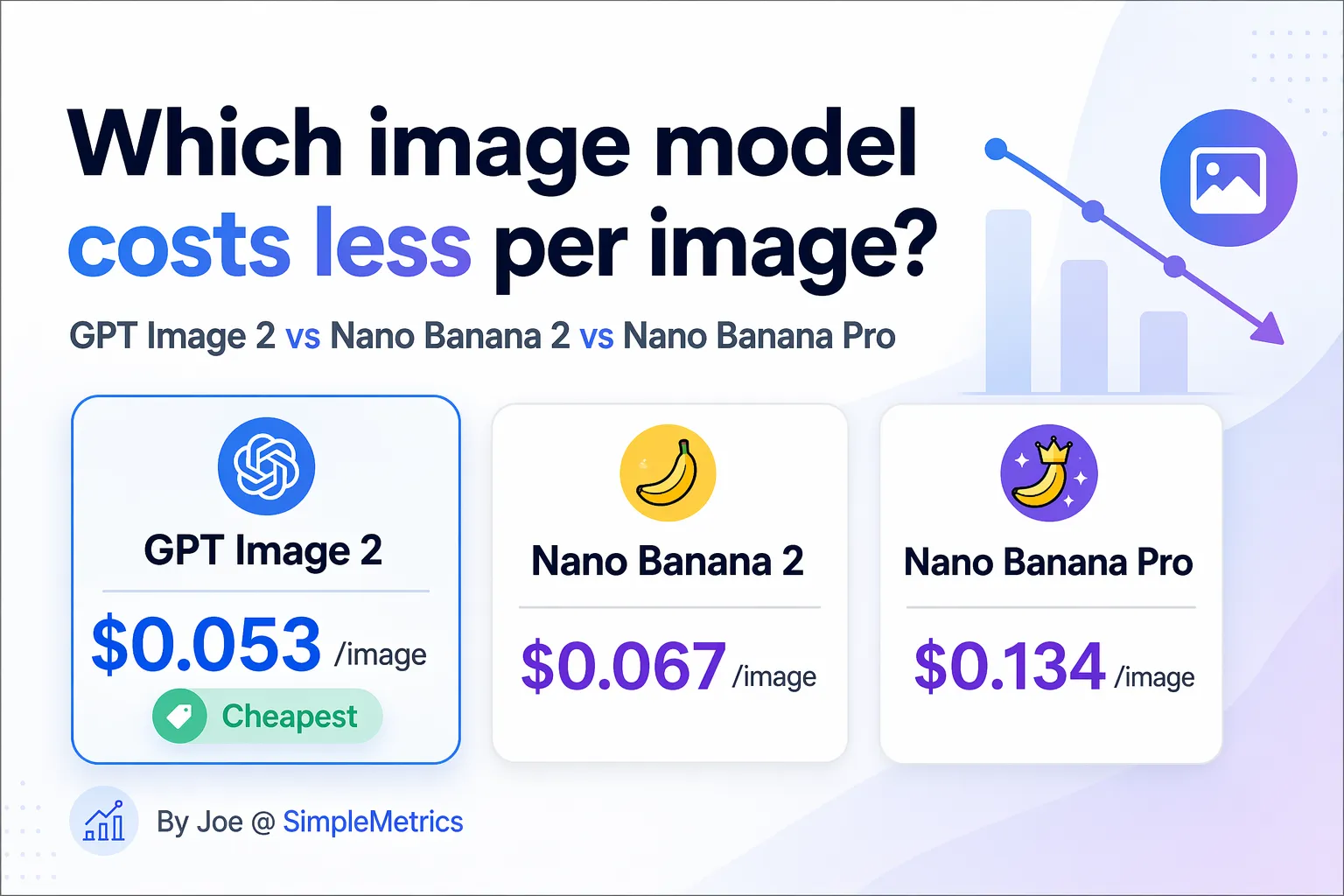
Compare GPT Image 2, Nano Banana 2, and Nano Banana Pro API pricing with per-image cost estimates, resolution notes, and a simple table for choosing the cheaper model.
Learn the fastest Gemini AI for Sheets workflow to analyze multiple tables with Sheet Agent by selecting sheets in the UI, comparing differences, and inserting actions back into your sheet.
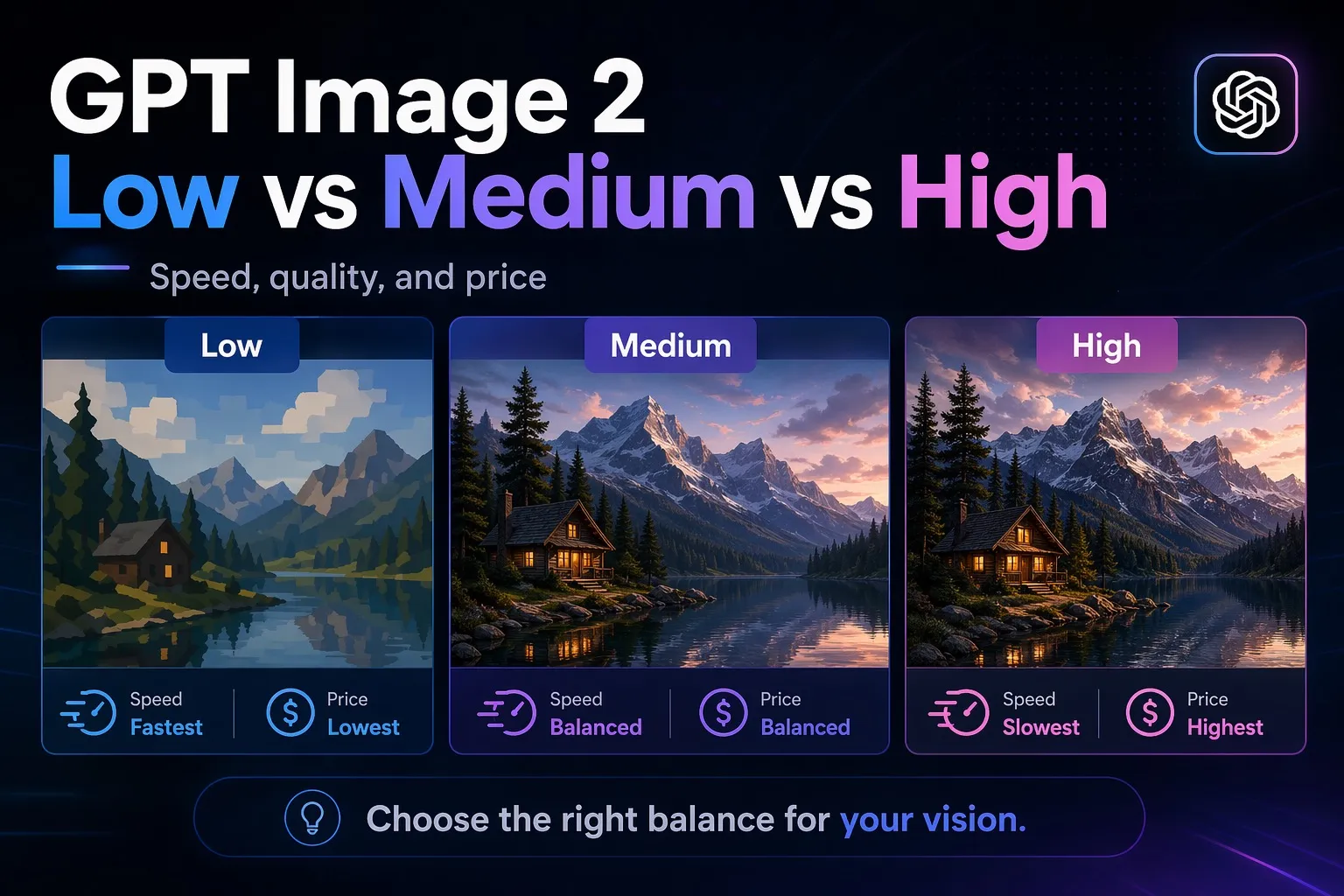
A simple GPT Image 2 quality benchmark using the same 3 prompts across low, medium, and high, with actual image examples, timing, and pricing.
Compare AI for Sheets and GPT for Sheets on monthly plans, included usage, BYOK, Excel support and PDF workflows. Includes a small-sample buying checklist.
Gemini API returning 429 Too Many Requests? Learn what it means, how to reduce request rate, add exponential backoff, and avoid common quota/concurrency traps.
Fix Gemini 503 errors with retries, fallback models, smaller requests, and status checks. Learn why "model is overloaded" happens and how to reduce failures.
Learn what thought_signature means in Gemini 3 Pro, why Google added it, when it appears in API responses, and how to handle it safely.
Score written application answers against your rubric with one AI formula, rank them with normal Sheets formulas, and review a shortlist yourself. Free template with 20 fictional applicants.
Copy-paste Gemini custom instruction templates for Google Sheets: formulas, data cleaning, JSON/CSV output and reports, plus global vs sheet-level setup in AI for Sheets (2026).
Use Gemini AI for Sheets to generate better Google Sheets formulas with a repeatable add-on workflow: prompt pattern, validation checks, and production rollout tips.
Learn a simple, no‑code workflow to extract the most recent revenue from PDFs into Excel or Google Sheets using AI for Sheets, with column setup, PDF prompts, and export tips.
Need Google Sheets AI formatting? Use a practical Sheet Agent workflow to style headers, apply number formats, and improve layout readability before sharing.
Build a weekly KPI dashboard in Google Sheets with AI using Sheet Agent: define metrics, generate summary tables, create charts, and validate before sharing.
Learn how to use the LET function in Google Sheets to simplify long formulas, reduce repetition, improve readability, and debug formulas faster.
25 copy-paste Gemini prompts for Google Sheets to research, clean data, summarize, generate marketing copy, and produce structured outputs. Deterministic patterns and tips.
Run a full SWOT in Google Sheets with Gemini AI. Copy our template and formulas to analyze any company in minutes with clear categories and short bullet outputs.
Create a free Google Gemini API key in Google AI Studio. Step-by-step: choose a project, generate the key, copy it, and use it securely in your apps and tools.
Export Google Trends charts as CSV and import them into Google Sheets for free. Learn the limits of automatic refresh and how AI can analyse imported data.
Copy 20 Sheet Agent prompts to clean Google Sheets data, fix formulas, match tabs, build reports, plan projects and improve formatting.
Copy TRANSLATE and GOOGLETRANSLATE formulas, translate into multiple languages, and plan a 1,000-row batch with review checks, credit limits and saved output.
Extract invoice numbers, dates, suppliers and subtotals into Google Sheets with copyable PDF formulas. Includes file-access checks and a review-first bulk workflow.
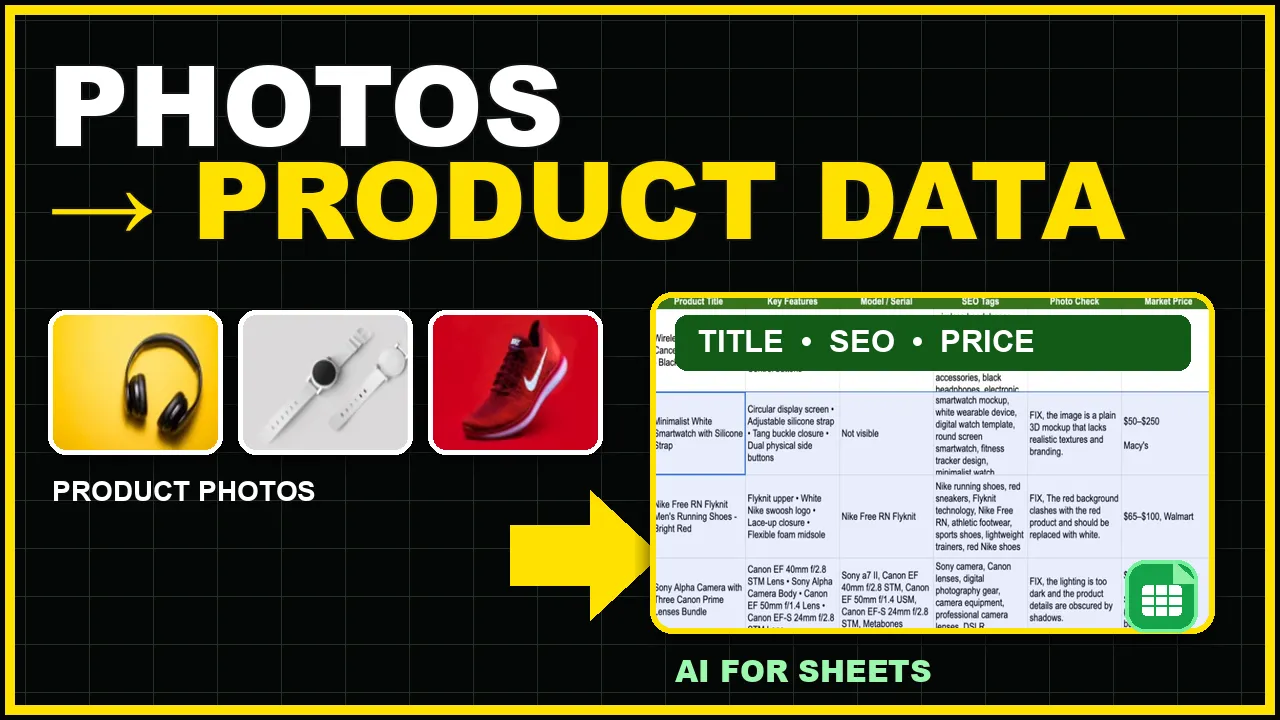
Use product photos to create titles, features, model details, SEO tags, photo checks, and market price research in Google Sheets. Copy the free template.
Learn a practical Google Sheets AI workflow to summarize customer feedback, detect sentiment themes, and turn messy comments into an action list with Sheet Agent.
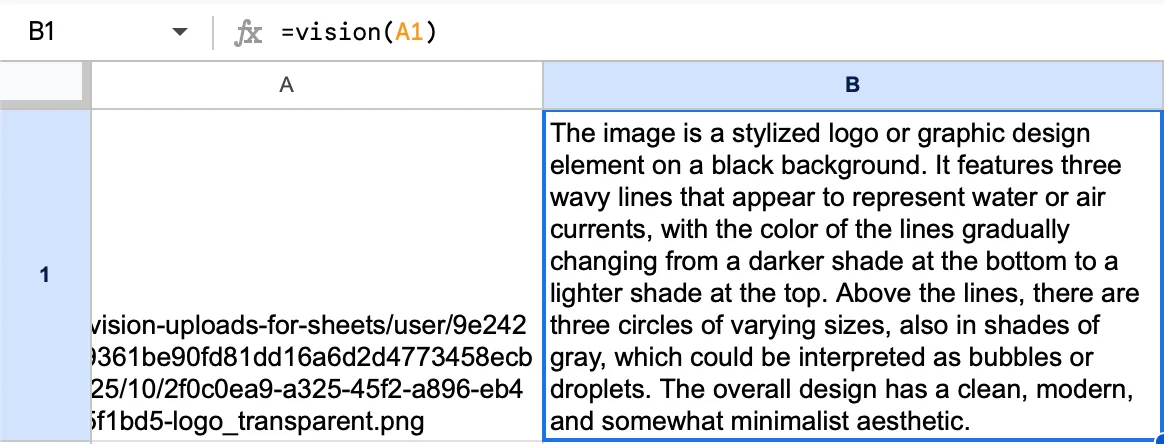
A practical 2026 guide to Google Sheets OCR with AI for Sheets. Extract text from screenshots, receipts, and scanned images directly with =VISION().
Use a practical Google Sheets AI workflow to diagnose and fix broken formulas with Gemini in Sheet Agent, then validate safely before rollout.
Looking for the best Google Sheets add-on for data analysis? Compare Supermetrics, AppSheet, and AI for Sheets by use case, setup time, and workflow fit.
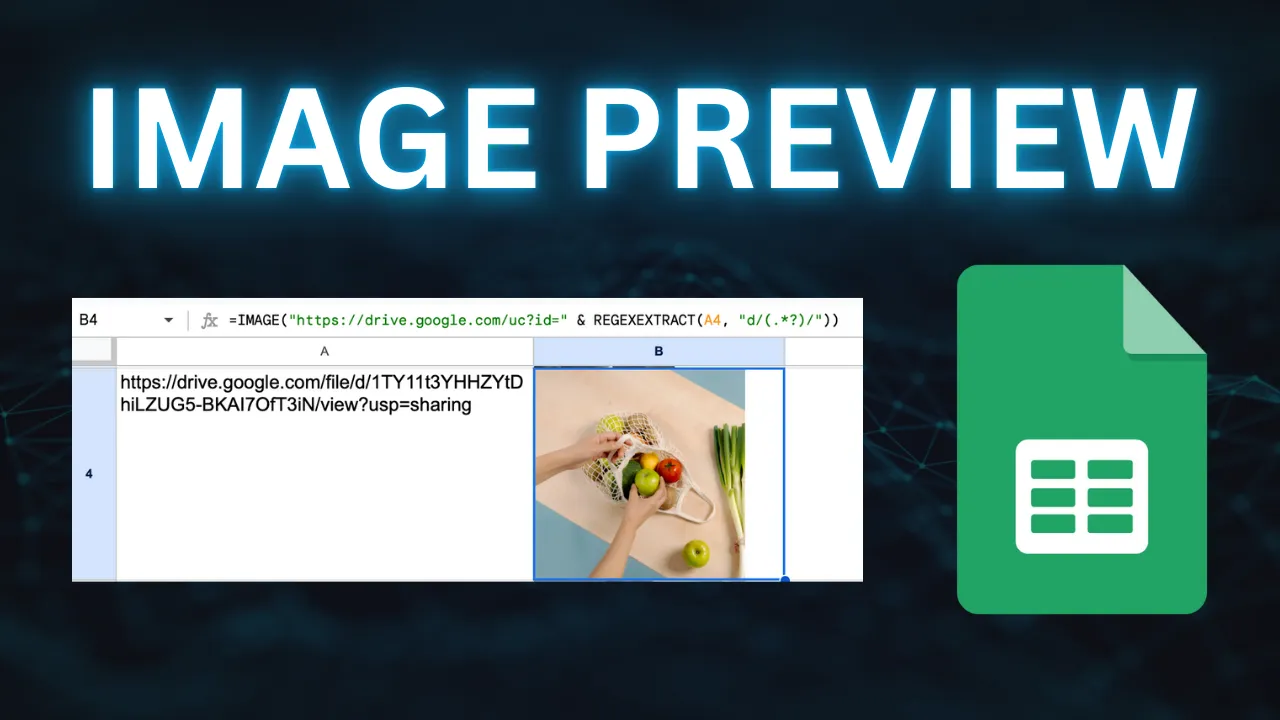
Show Google Drive images directly in Google Sheets by extracting the file ID and converting links into a direct URL format that works with =IMAGE().