
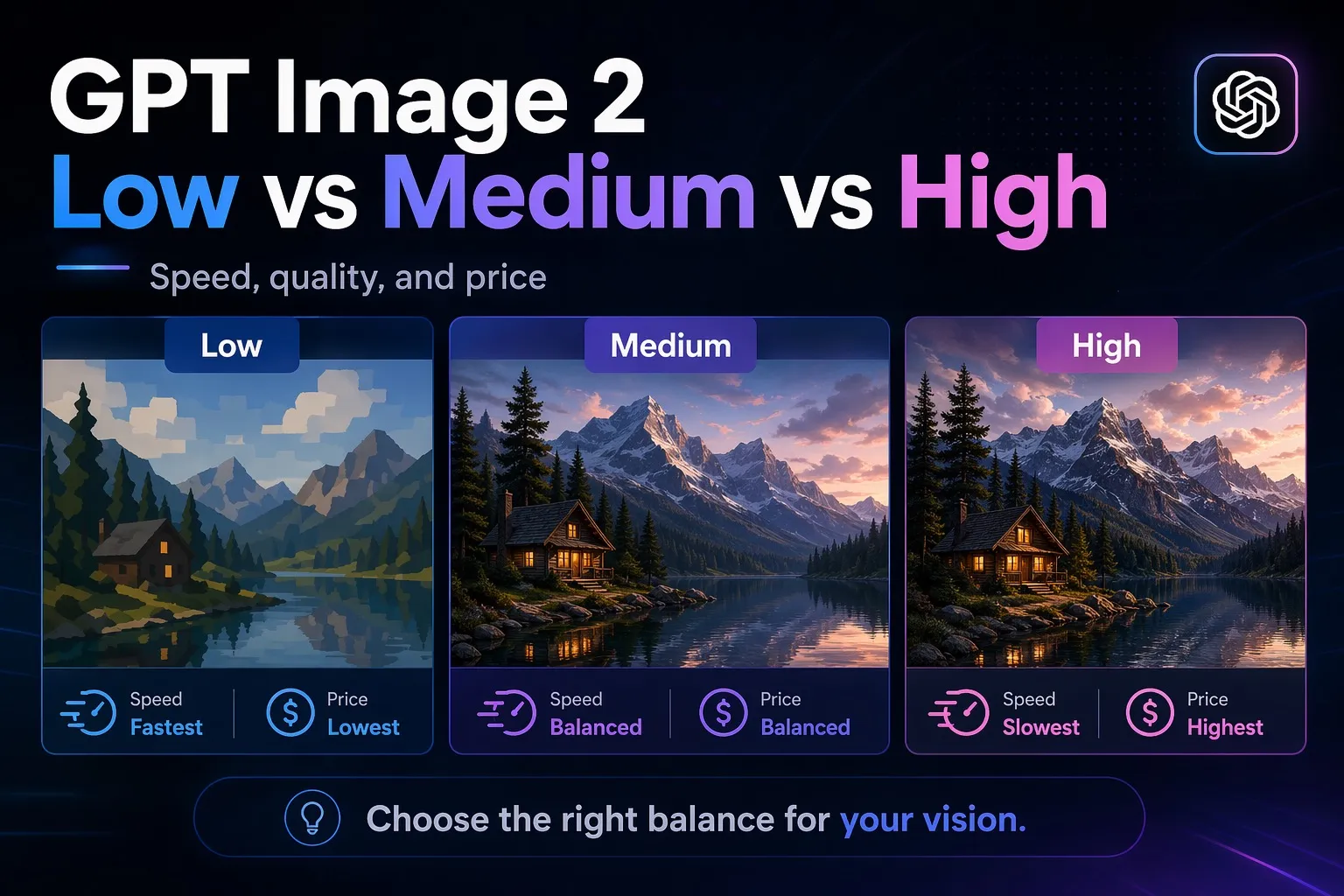
Quick answer
- Low: $0.006 per image and the fastest setting in this test.
- Medium: $0.053 per image, around 9x the cost of low, but it gave the best balance of quality and speed overall.
- High: $0.211 per image, around 4x medium and 35x low, with the strongest polish but much slower output.
- Bottom line: Use low for cheap drafts, medium for most real production work, and high only when the extra detail is worth the wait and cost.
What does GPT Image 2 low vs medium vs high cost per image?
For the same output size used in this benchmark, OpenAI lists these image prices for GPT Image 2:
| Quality | Official cost per image | Cost vs low |
|---|---|---|
| Low | $0.006 | 1x |
| Medium | $0.053 | 8.8x |
| High | $0.211 | 35.2x |
OpenAI now lists GPT Image 2 as an earlier model and recommends GPT Image 2.5 (Flare or Sunburst) for new integrations. These prices and results are for GPT Image 2 only; 2.5 quality names map to different token counts. See our GPT Image 2.5 Sunburst vs Flare guide for 2.5 per-image cost estimates.
How many images can you generate with $10 and $100?
Using the official prices above and rounding down to whole images:
| Quality | Price per image | Approx. images with $10 | Approx. images with $100 |
|---|---|---|---|
| Low | $0.006 | 1,666 | 16,666 |
| Medium | $0.053 | 188 | 1,886 |
| High | $0.211 | 47 | 473 |
Which GPT Image 2 quality setting is the best value?
In this test, medium was the best value overall.
- Low was clearly the cheapest and fastest, and it was good enough for rough drafts and some finished images.
- Medium was much more expensive than low, but it consistently gave cleaner detail, better layout control, and better text handling.
- High looked the most premium in some scenes, but the jump in cost and time was large enough that it only makes sense when image quality matters more than throughput.
GPT Image 2 low vs medium vs high image examples
Below are side-by-side image examples generated from the same 3 prompts on GPT Image 2 low, medium, and high.
Example 1: Product photo
Prompt: Create a studio-quality product photo of a premium sparkling water can called "AURORA" on a wet black stone surface with lemon slices and soft rim lighting. The can label should clearly read "AURORA", "Sparkling Water", and "Lemon". Photorealistic, commercial ad style, high detail.
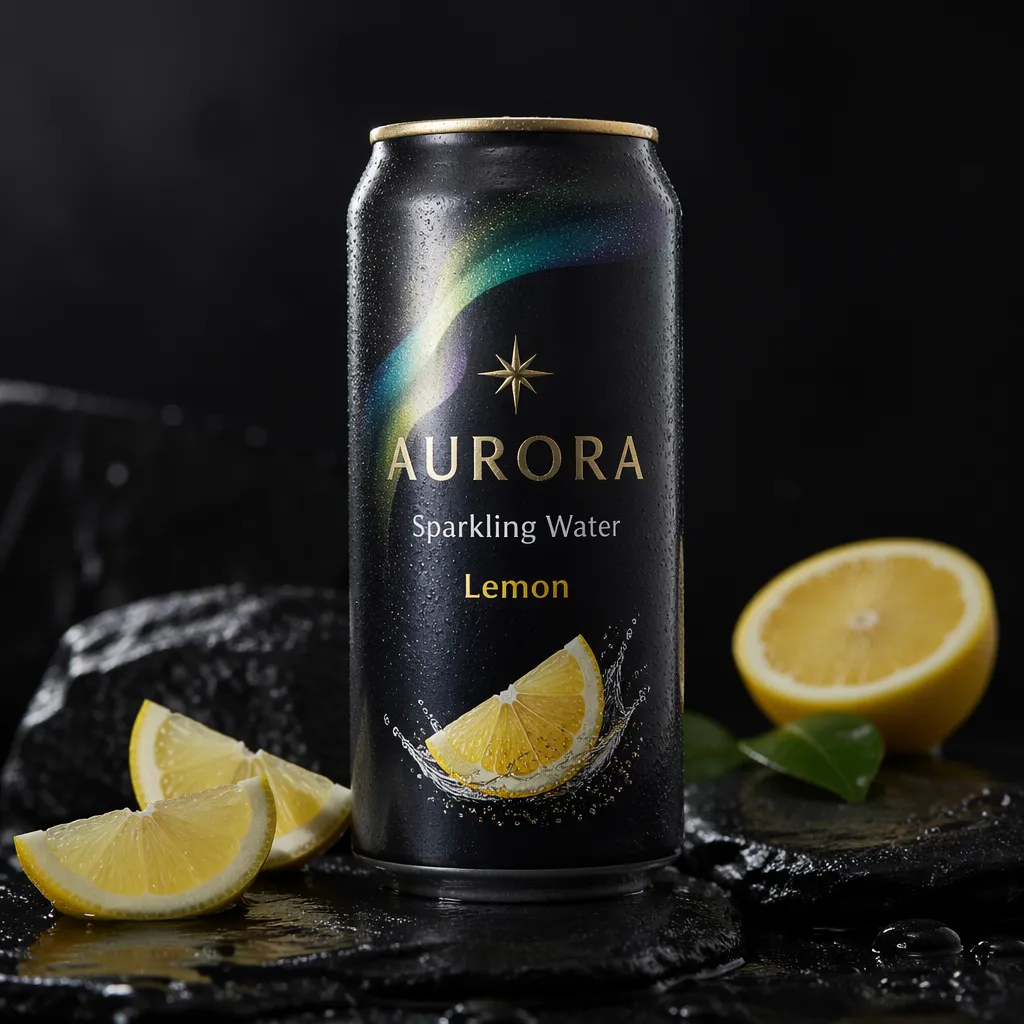
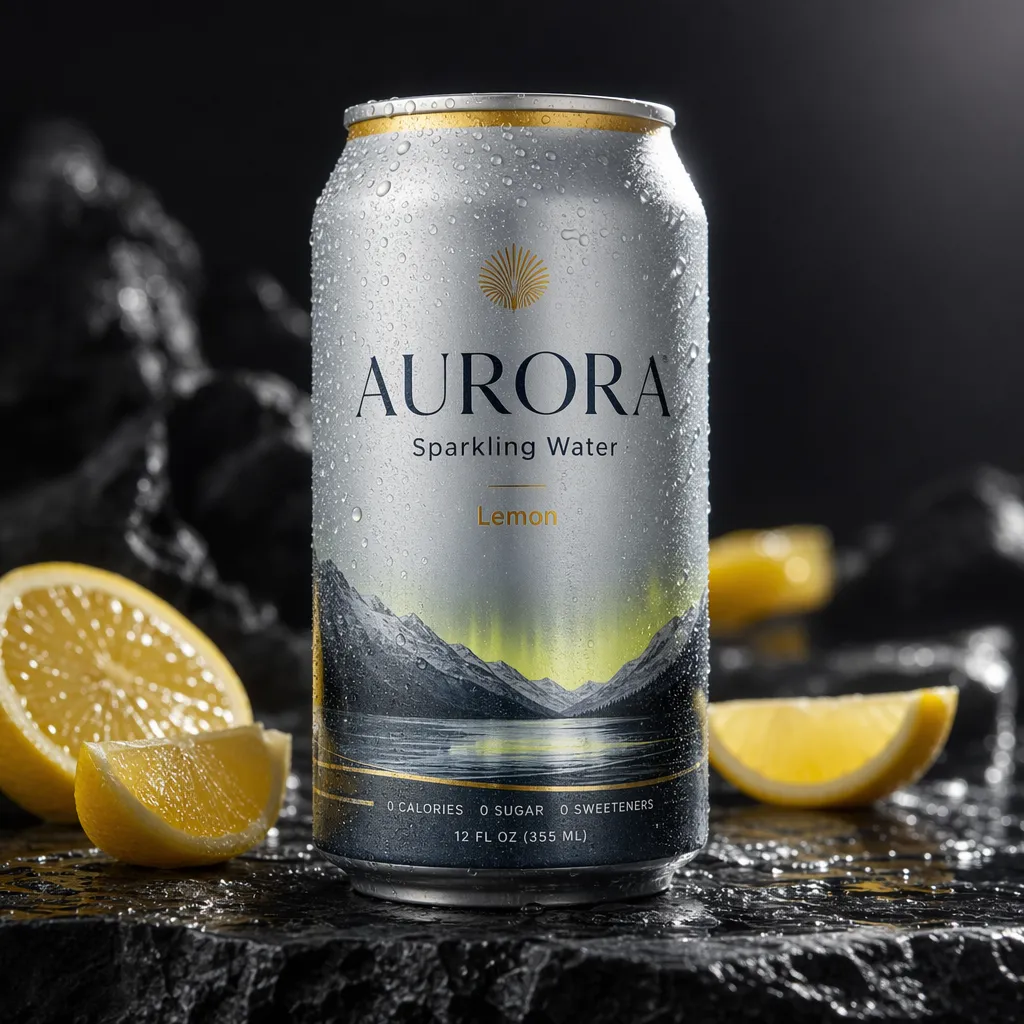
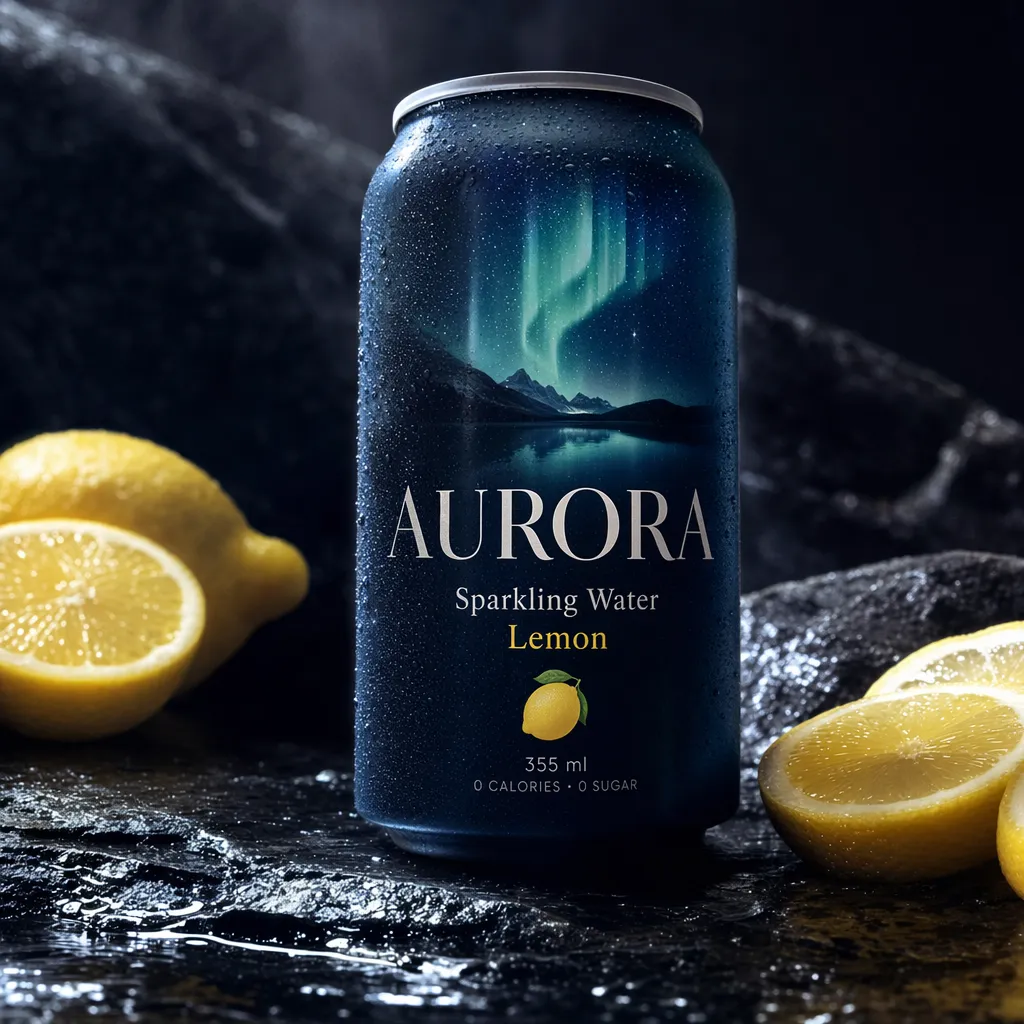
Verdict: Low was already usable, medium gave the cleanest all-round product shot, and high looked the most premium and cinematic.
Example 2: Marketing creative
Prompt: Design a clean square travel ad for Kyoto in spring. Show cherry blossoms, a red temple gate, and two travelers walking through the scene. Add readable headline and subtext: "Kyoto in Bloom", "4 Days from $899", and "Book by April 30". Modern, premium, social-ad composition.
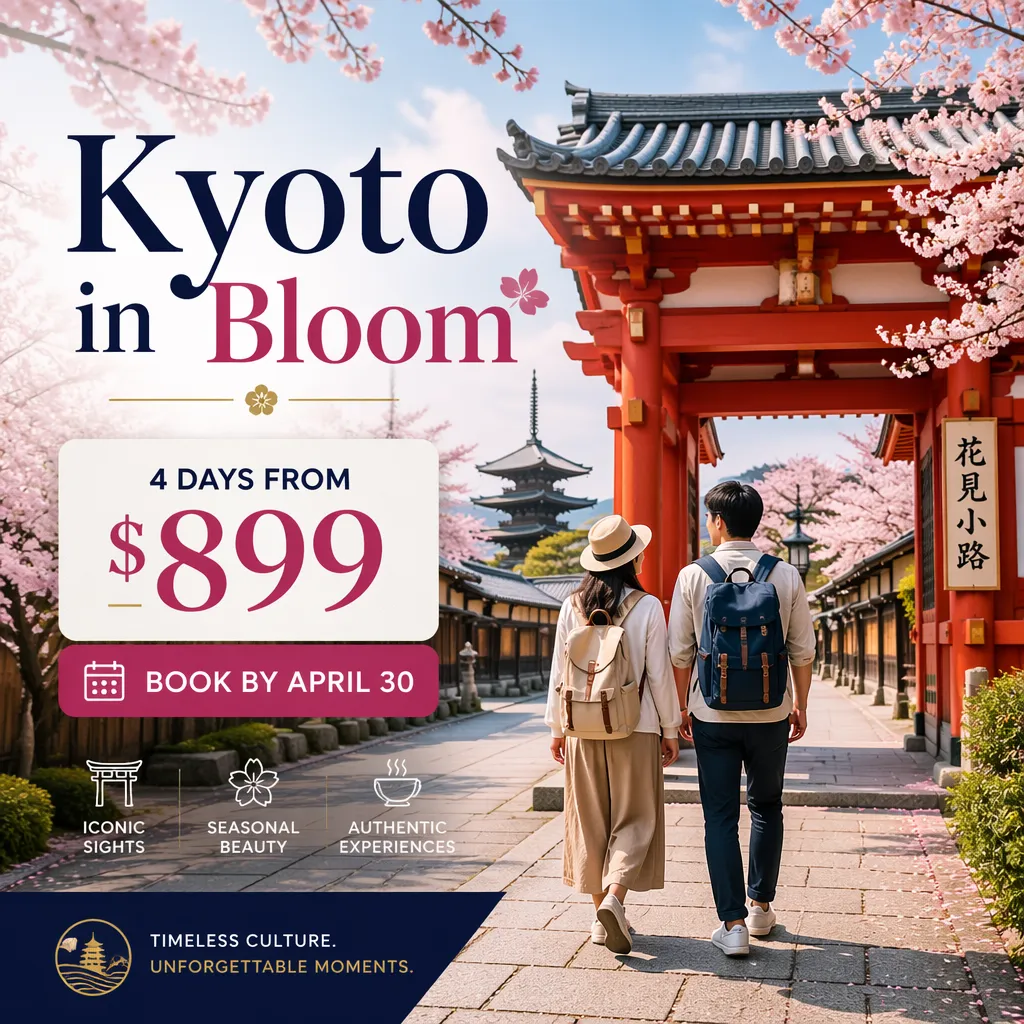
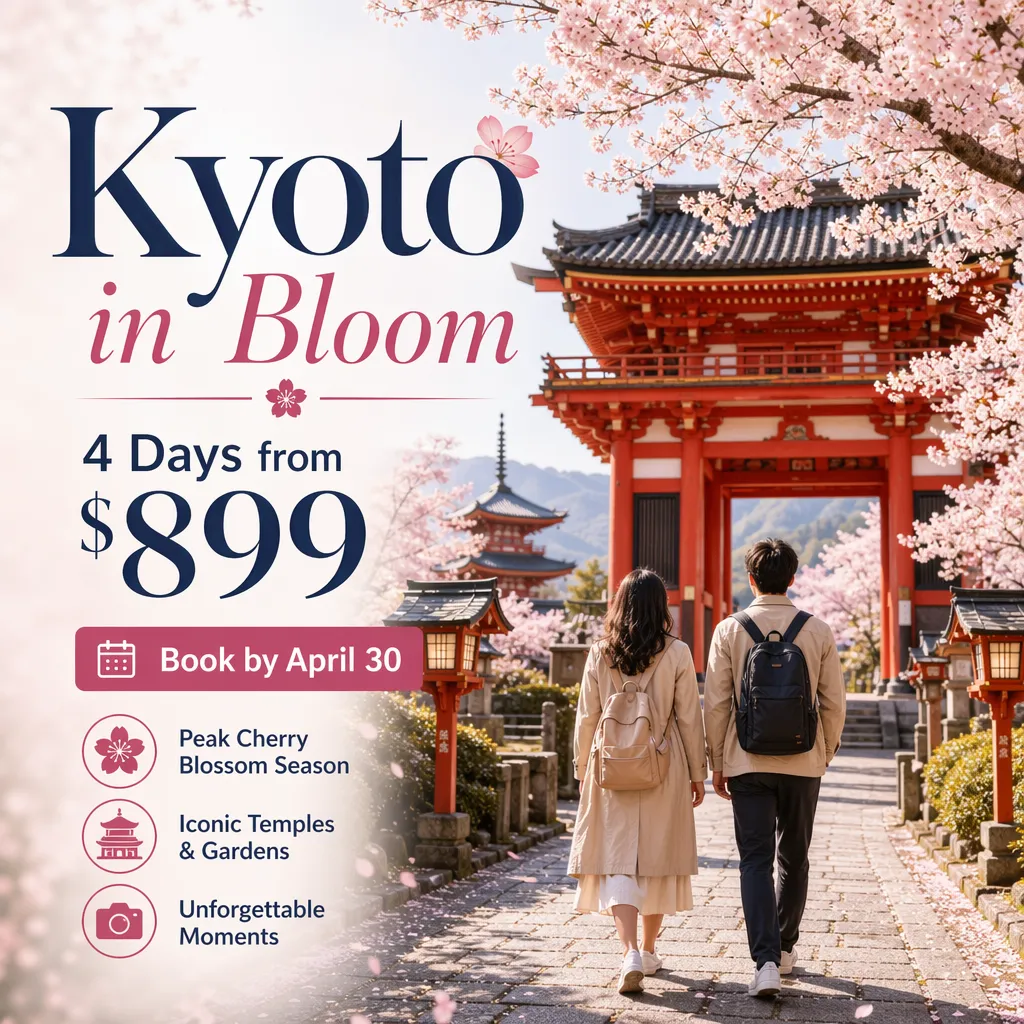

Verdict: Medium gave the cleanest ad layout, low was surprisingly usable for a cheap draft, and high added the richest visuals but took much longer.
Example 3: Infographic
Prompt: Create a flat-design infographic explaining the water cycle for students. Use four labeled steps with arrows and simple icons: "Evaporation", "Condensation", "Precipitation", and "Collection". Clear spacing, readable text, pastel color palette, white background.
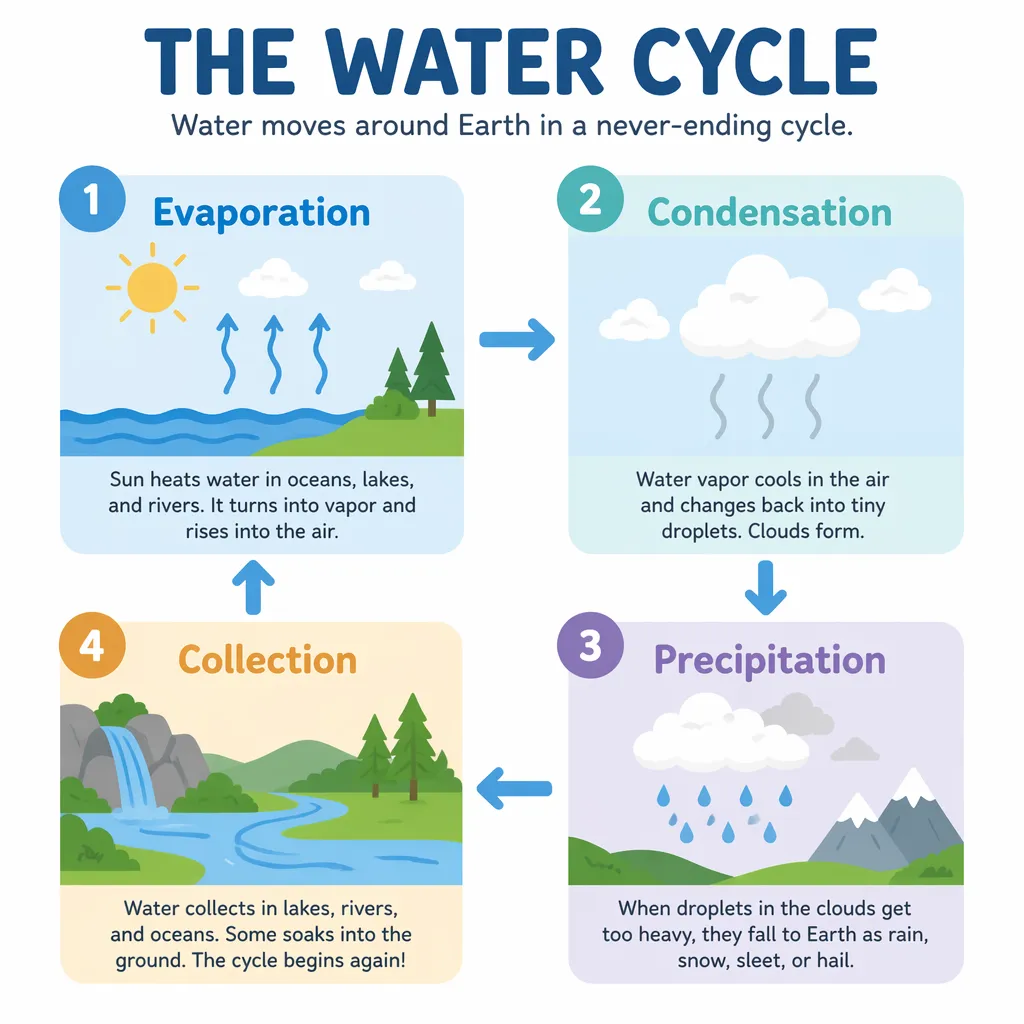
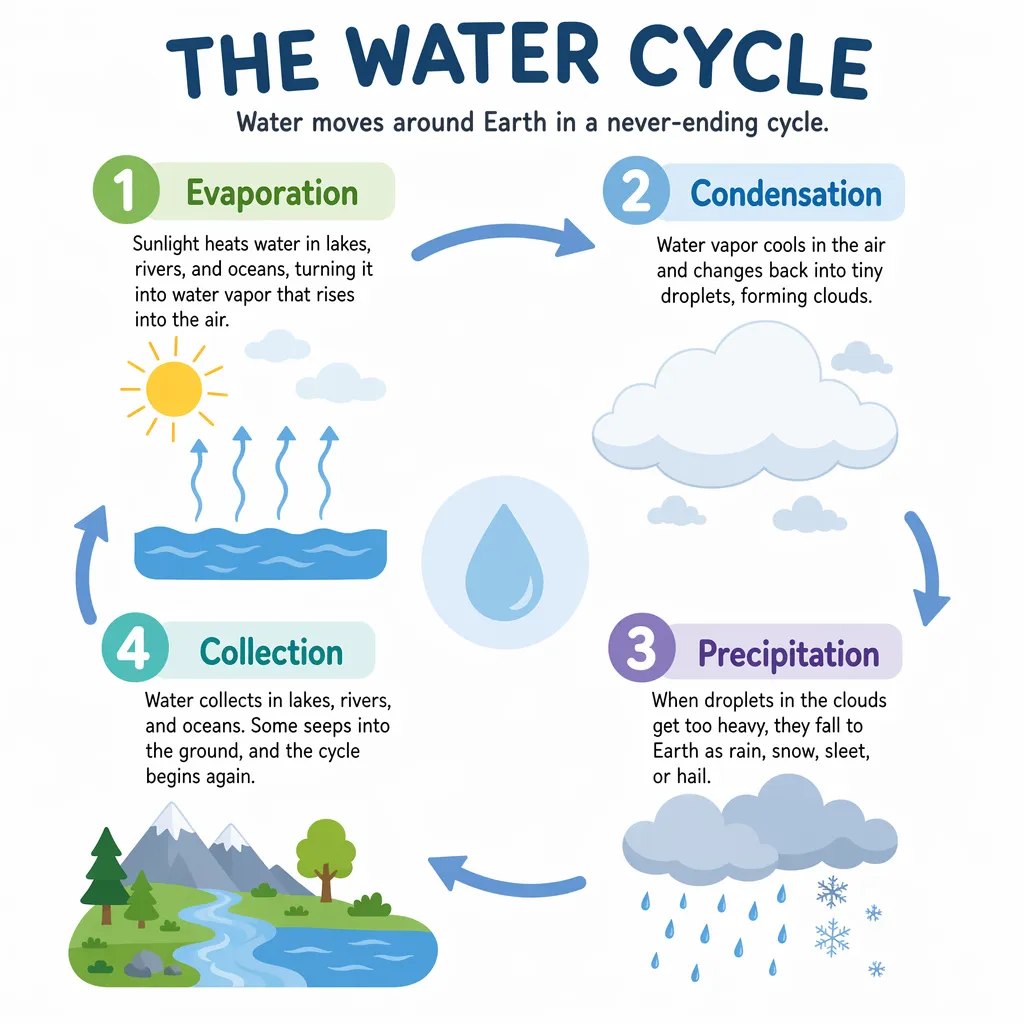
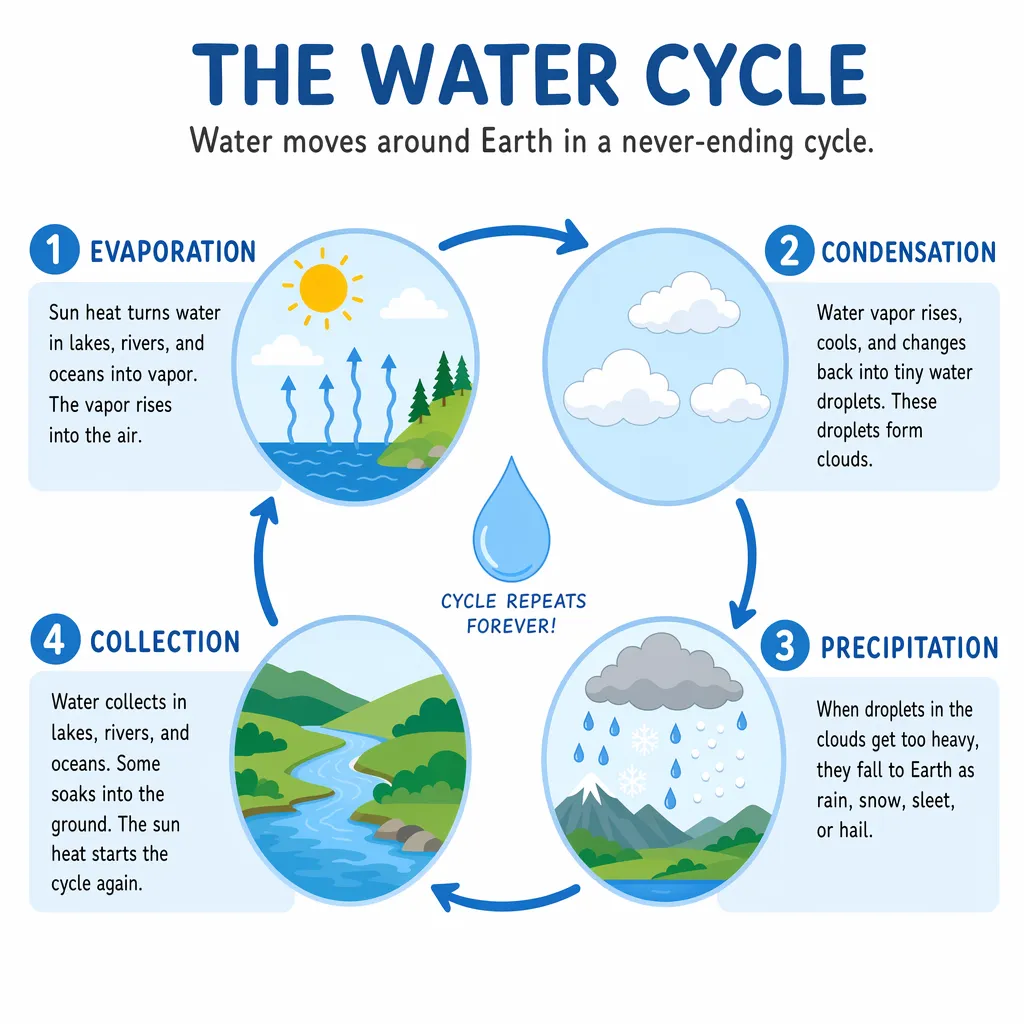
Verdict: Medium was the safest pick for a clean teaching graphic, low was still very usable, and high looked polished but introduced more awkward wording.
How long does each GPT Image 2 quality setting take?
These timings are from one quick benchmark run, so real-world speeds can vary.
| Example | Low | Medium | High |
|---|---|---|---|
| Product photo | 19s | 42s | 116s |
| Marketing creative | 23s | 46s | 132s |
| Infographic | 21s | 52s | 121s |
| Average | 21s | 47s | 123s |
In this run, medium was about 2.2x slower than low, while high was about 5.9x slower than low.
When should you use GPT Image 2 low, medium, or high?
- Choose low when you need lots of cheap variations, quick concept drafts, or fast ad testing.
- Choose medium when you want the best mix of image quality, readable text, and reasonable speed.
- Choose high when you are generating a smaller number of important images and can afford the extra time and cost.
Frequently Asked Questions
Is GPT Image 2 medium worth it over low?
Usually yes for production work. Medium was much more expensive than low in this test, but it gave cleaner detail, better layout control, and more consistent text.
Is GPT Image 2 high worth it over medium?
Only sometimes. High can look more polished, but it costs about 4x more than medium in this benchmark and took much longer.
Which GPT Image 2 setting is best for text-heavy graphics?
Medium was the safest choice in this test. High looked polished, but it was not automatically better for infographic wording or label accuracy.