Why We No Longer Need to Set Creativity for AI Models
Most of the time, no. Modern AI models are tuned to work well at the default creativity setting, and you can get reliable reasoning and creative writing by prompting.
Insights, tutorials, and updates about AI for Google Sheets
Most of the time, no. Modern AI models are tuned to work well at the default creativity setting, and you can get reliable reasoning and creative writing by prompting.
Clear per image pricing and image counts for Nano Banana and Nano Banana Pro based only on the official image pricing page.
Chat with Gemini AI directly in Google Sheets. Ask questions about your data and get real-time analysis, summaries, and suggestions without leaving your spreadsheet.
Now Gemini AI can be your Data Analysis Copilot in Google Sheets to answer your questions on the data and also group your data by different dimensions.
Thought signatures in Gemini 3 Pro are encrypted save states of the model's reasoning that you must pass back unchanged in tool and chat calls to avoid errors and keep quality high.
Visual side by side examples of Nano Banana and Nano Banana Pro so you can quickly see which model fits your style.
Troubleshooting guide for when your Apps Script custom function works in Google Sheets but does not appear in the autocomplete suggestions. Checklist for linking the script, JSDoc, saving, reloading, and permissions.
Understand why Gemini returns "Model is overloaded" (HTTP 503) and learn practical fixes: retries, model fallback, reducing request size, and status checks.
DeepSeek-OCR explores compressing text into vision to extend context and simulate a human-like forgetting curve. What perfect memory misses and the practical takeaways.
Add a clickable button in Google Sheets that writes the current time to the active cell using a simple Apps Script. Step-by-step setup plus FAQs and variations.
Three Google Sheets add-ons to speed up analysis: Supermetrics for data, AppSheet for apps, and AI for Sheets for AI formulas. When to use each and key features.
LLM models have made it easier to extract information from images, whether it's creating detailed descriptions or recognizing text. In this article, we
Not sure which Gemini model to use? See which one is smartest, fastest, and best value using real latency, throughput, and cost numbers, plus a simple ranking table and use-case guide.
Create a free Google Gemini API key in Google AI Studio. Step-by-step: choose a project, generate the key, copy it, and use it securely in your apps and tools.
Learn a simple, no‑code workflow to extract the most recent revenue from PDFs into Excel or Google Sheets using AI for Sheets, with column setup, PDF prompts, and export tips.
Set global and sheet-level custom instructions in AI for Sheets to control language, tone, response length, and roles. Step-by-step setup with real examples you can copy.
Gemini 2.5 has three stable options. Pro focuses on deep reasoning and accuracy. Flash gives the best balance of quality, latency, and cost. Flash Lite maximizes throughput and savings for very large volumes.
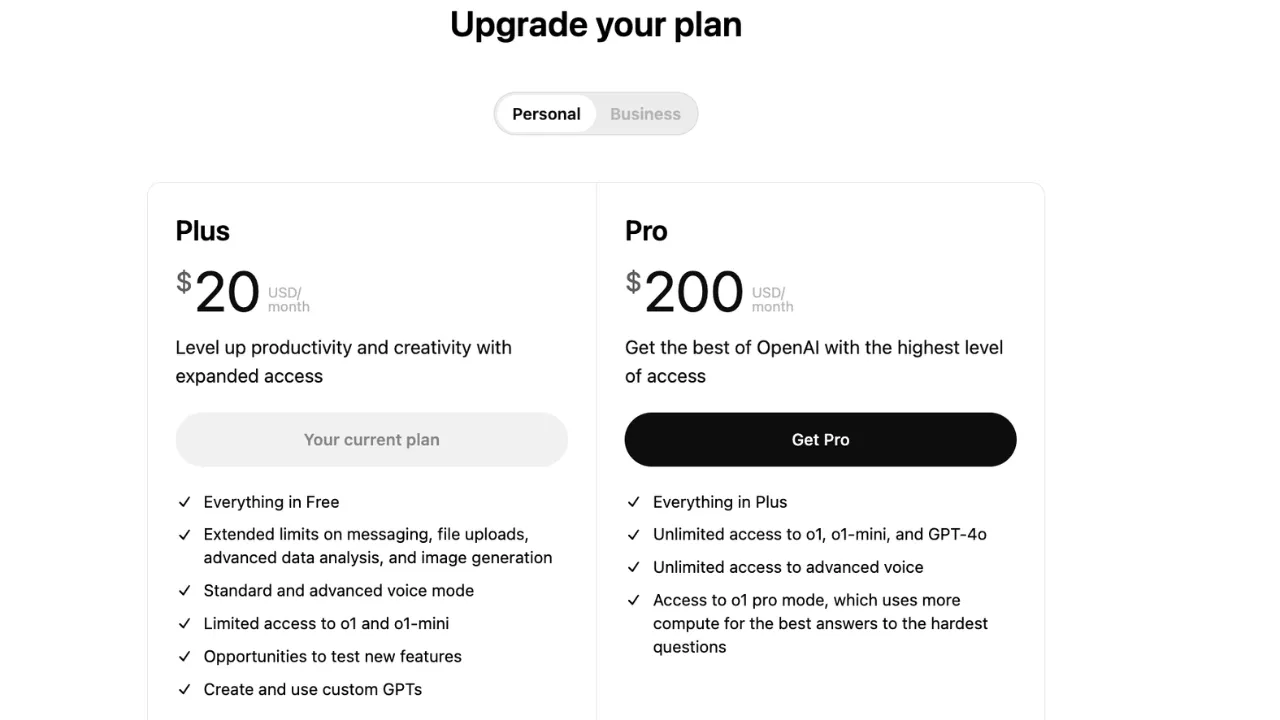
Compare ChatGPT Plus ($20) and Pro ($200) in 2025: GPT-5 access, Sora limits, agent features, speed, and when an upgrade from Plus is worth it.
You can automatically extract data from PDF invoices directly into Google Sheets by using an AI-powered add-on called AI for Sheets™ Gemini™ GPT. This
25 copy-paste Gemini prompts for Google Sheets to research, clean data, summarize, generate marketing copy, and produce structured outputs. Deterministic patterns and tips.
Run a full SWOT in Google Sheets with Gemini AI. Copy our template and formulas to analyze any company in minutes with clear categories and short bullet outputs.
Thinking model is smarter but slow. For speed, that's where non-thinking model shines. Google announces that in Gemini 2.5, both Flash and Pro will be
The `LET` function allows you to define named variables within a formula. This makes your formulas much more readable and easier to debug. The basic syntax is:
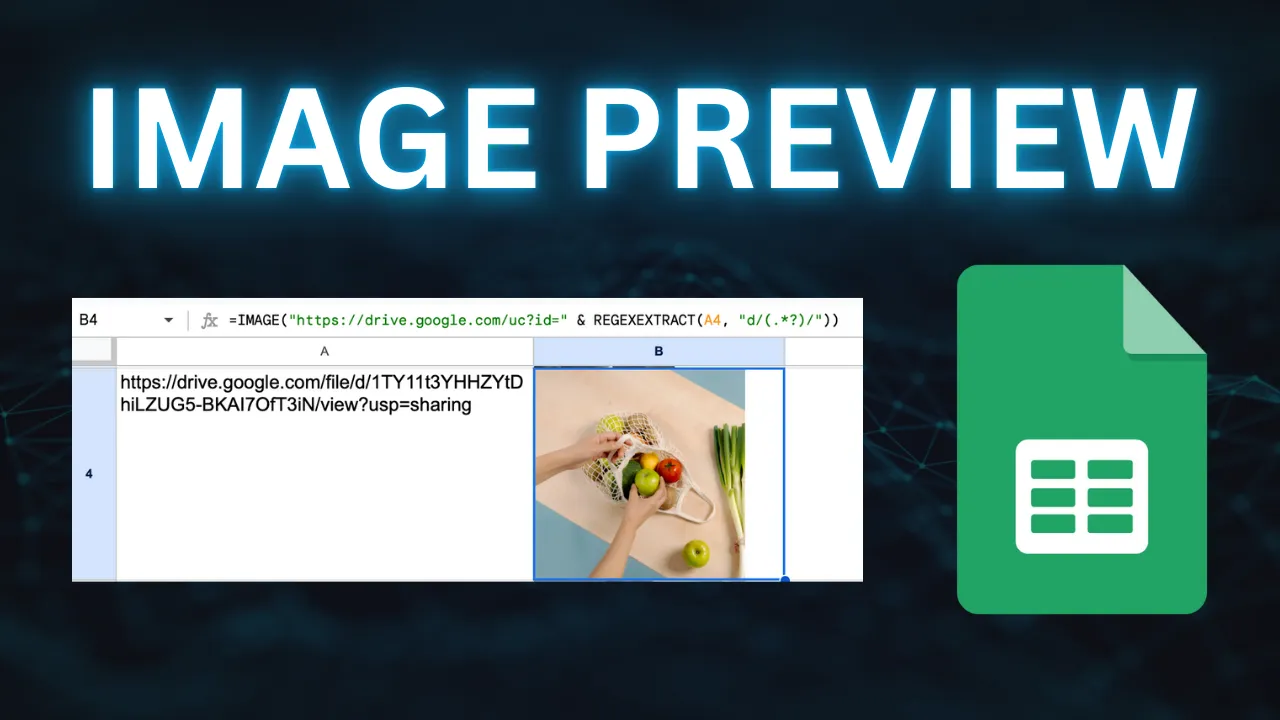
Preview Google Drive images in Google Sheets reliably. Extract the file ID with REGEXEXTRACT and use =IMAGE with the direct uc?id= URL. Steps and troubleshooting tips.
Generate alt text for images at scale using AI formulas in Google Sheets. Use AI Vision to caption photos, create product descriptions, and tag images from your sheet.
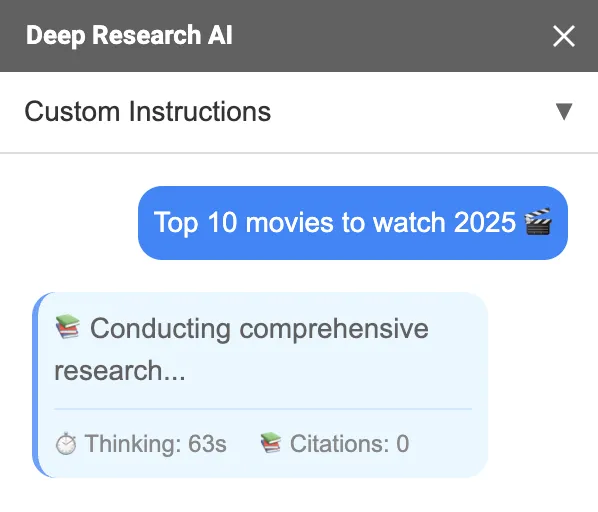
Tired of spending hours searching for credible sources and compiling research for your documents? Deep Research AI brings the power of advanced artificial
Compare Gemini 1.5 Flash and 1.0 Pro on creativity, instructions, and speed. Screenshots and analysis to help you choose the right model for your task.
Analyze data in Google Sheets with Gemini AI. Install the add-on, set custom instructions, choose the right model, and use AI formulas to get instant insights.
Looking to bulk translate text in Google Sheets using AI? In this guide, we’ll show you how to use the Gemini AI for Sheets add-on to perform AI bulk
Gemini 1.5 Flash, Gemini 1.5 Pro and Gemini 1.0 Pro are all powerful tools, but they cater to different needs and offer varying capabilities. Here’s a