
Chrome steps
-
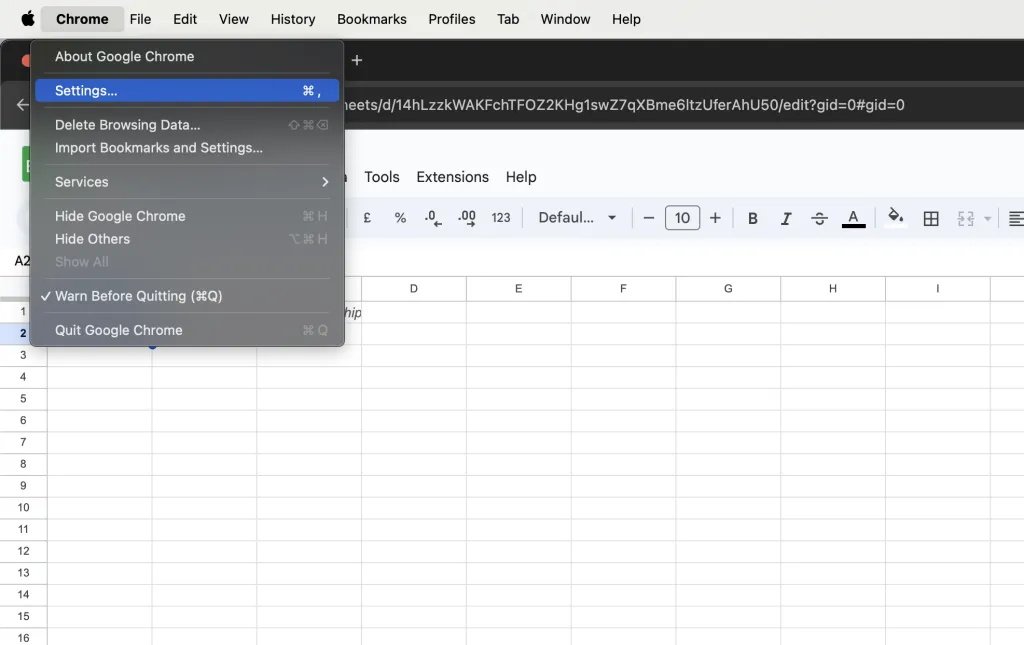
Open Chrome Settings.
-
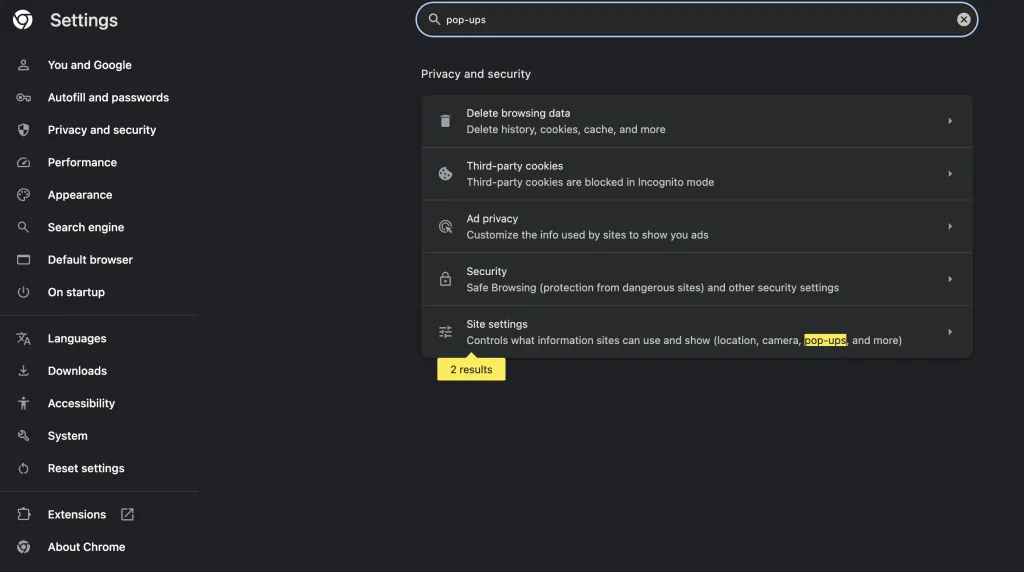
Search for “pop-ups”, then click Site settings.
-
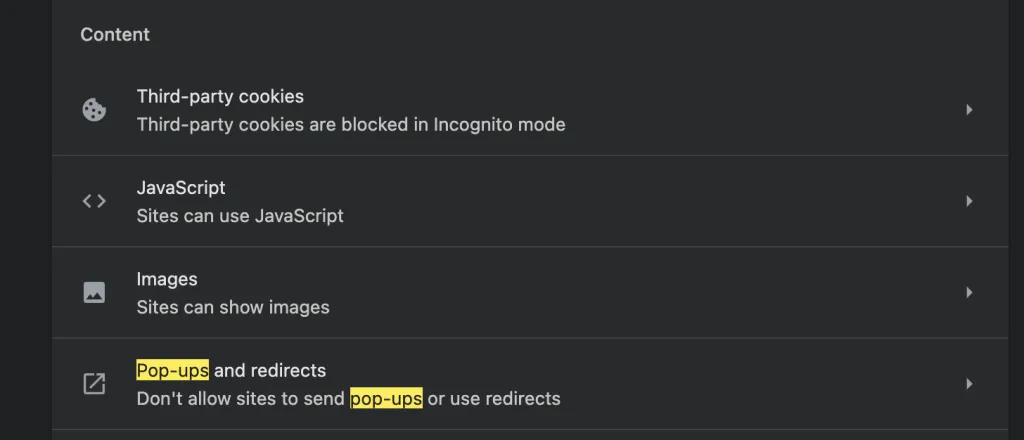
Open Pop-ups and redirects.
-
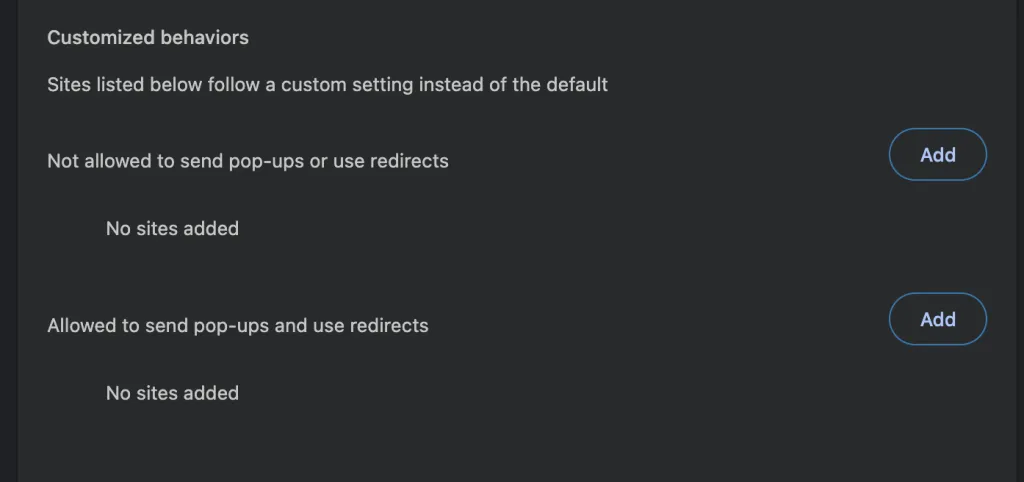
Click Add under Allowed.
-
Add
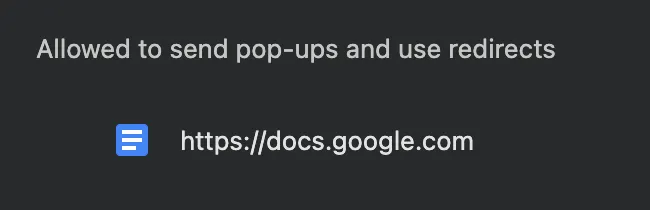
https://docs.google.com.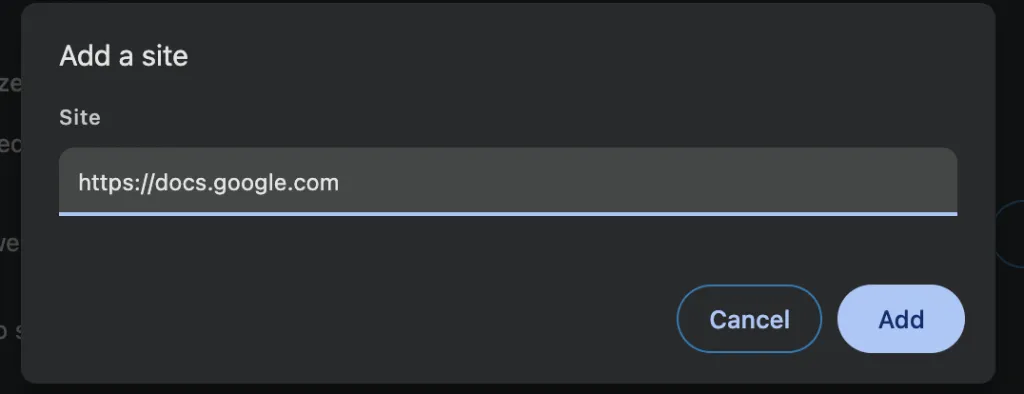
-
Done. Retry the action in Google Sheets.
Still stuck?
If you have multiple Google accounts signed in, sign out of other accounts and retry with the account that purchased the plan. If the problem persists, email support@simplemetrics.xyz.